Start here1:18Beginner
Create Your First AI Fashion Image
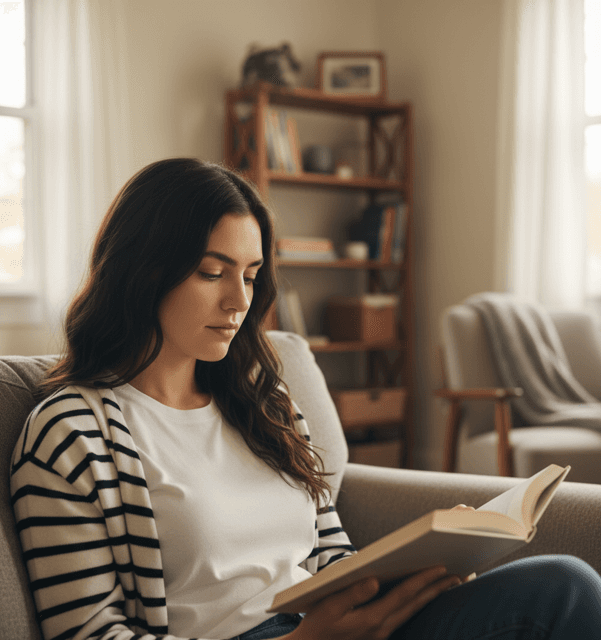
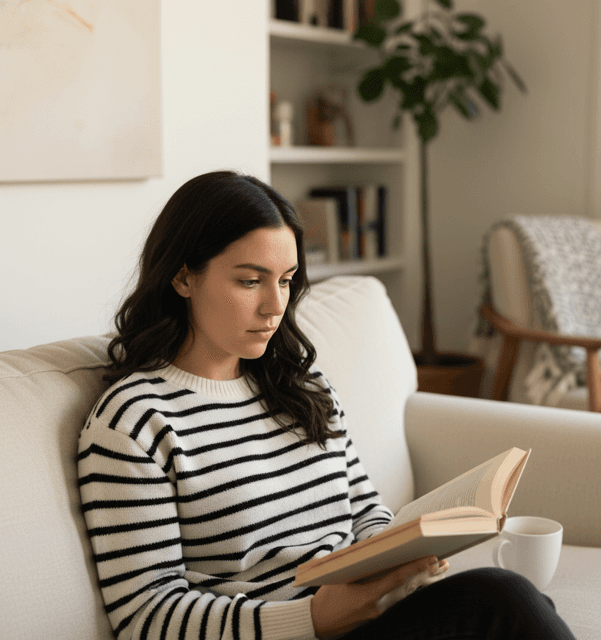
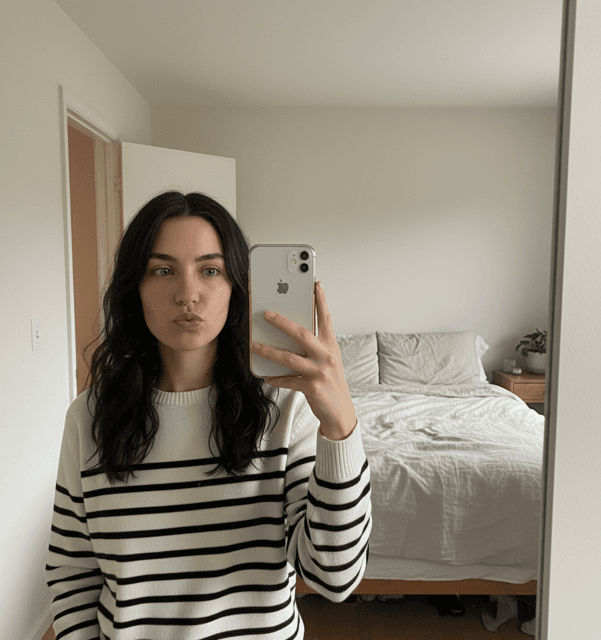
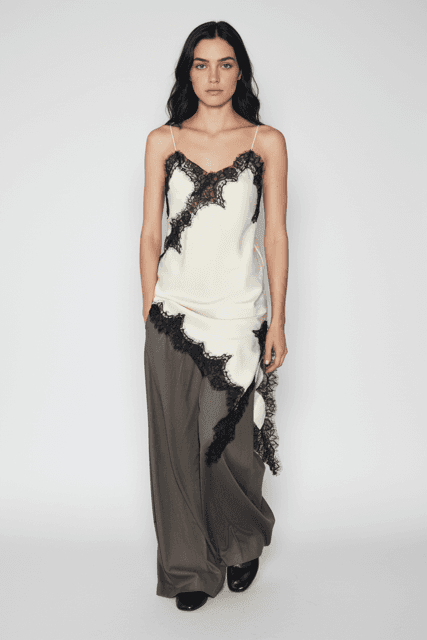
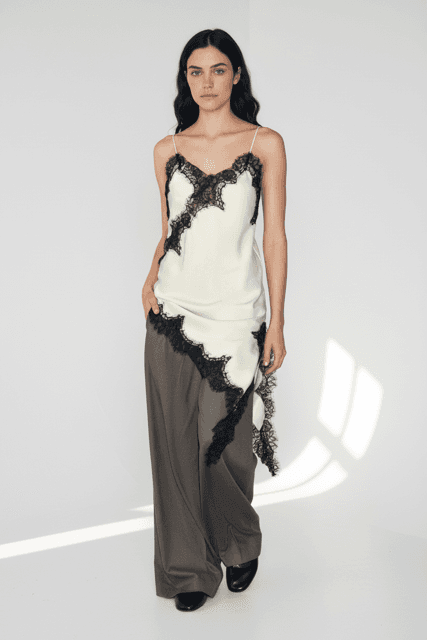
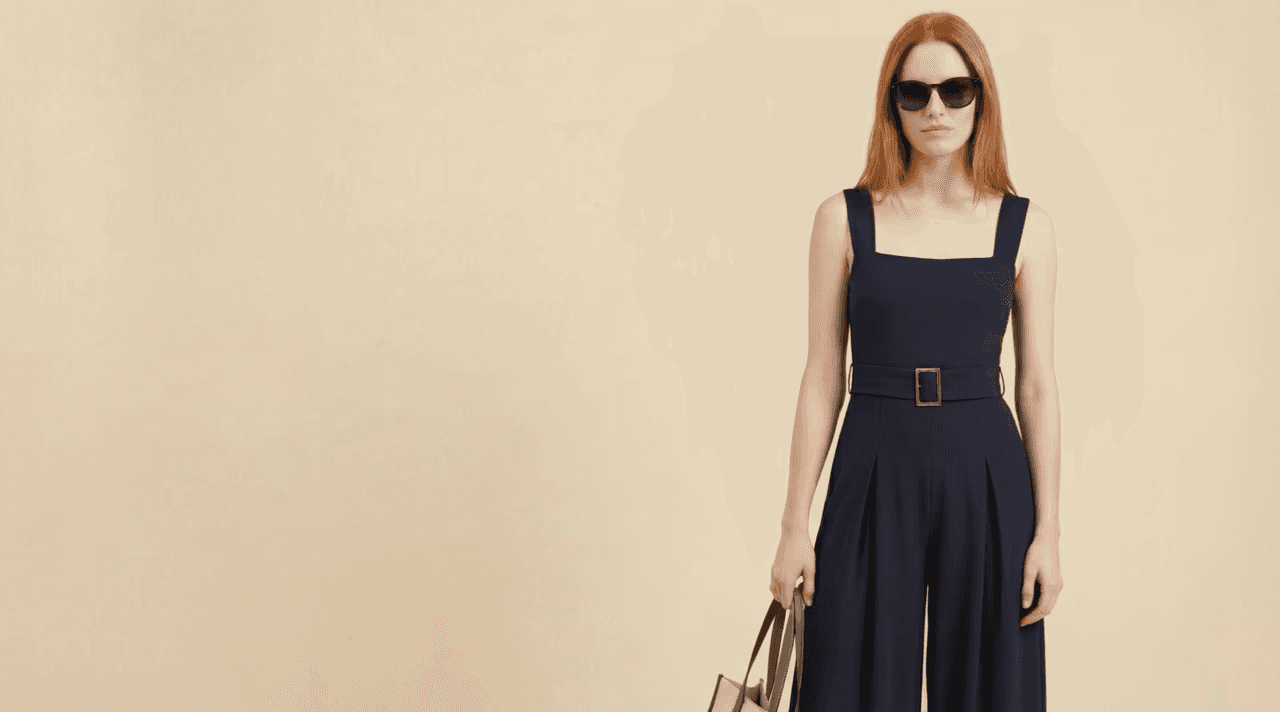
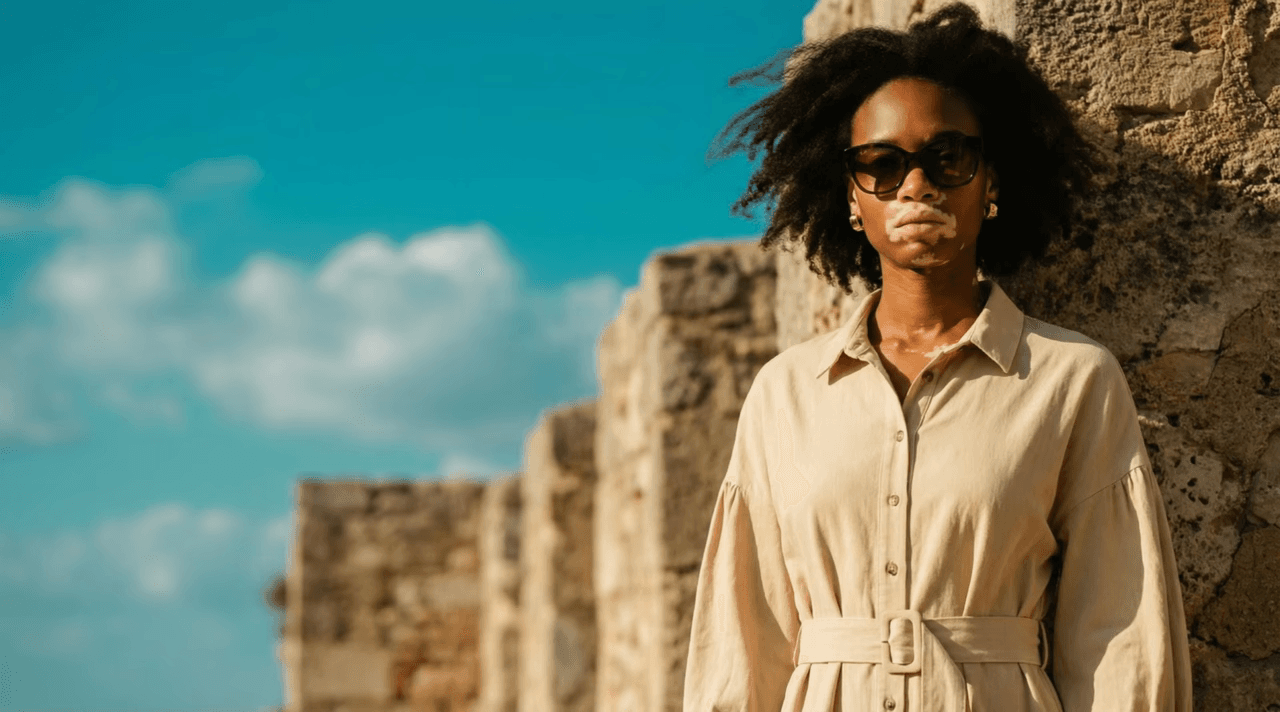
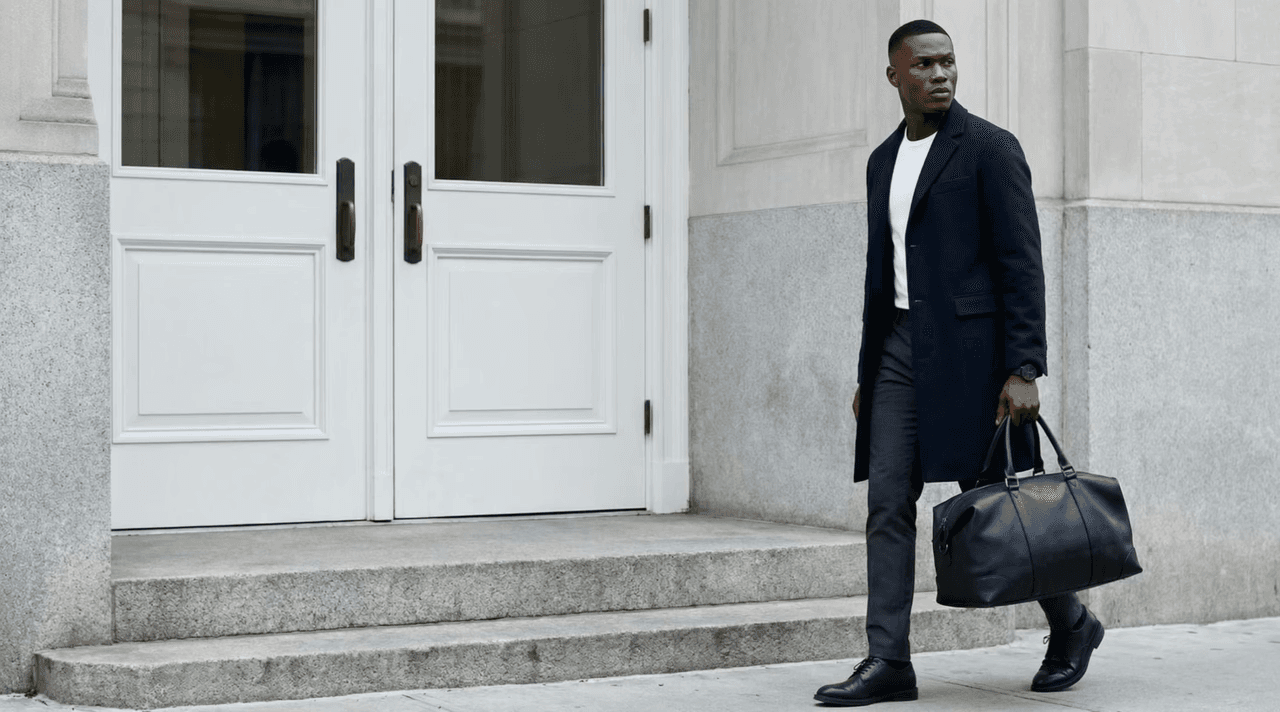
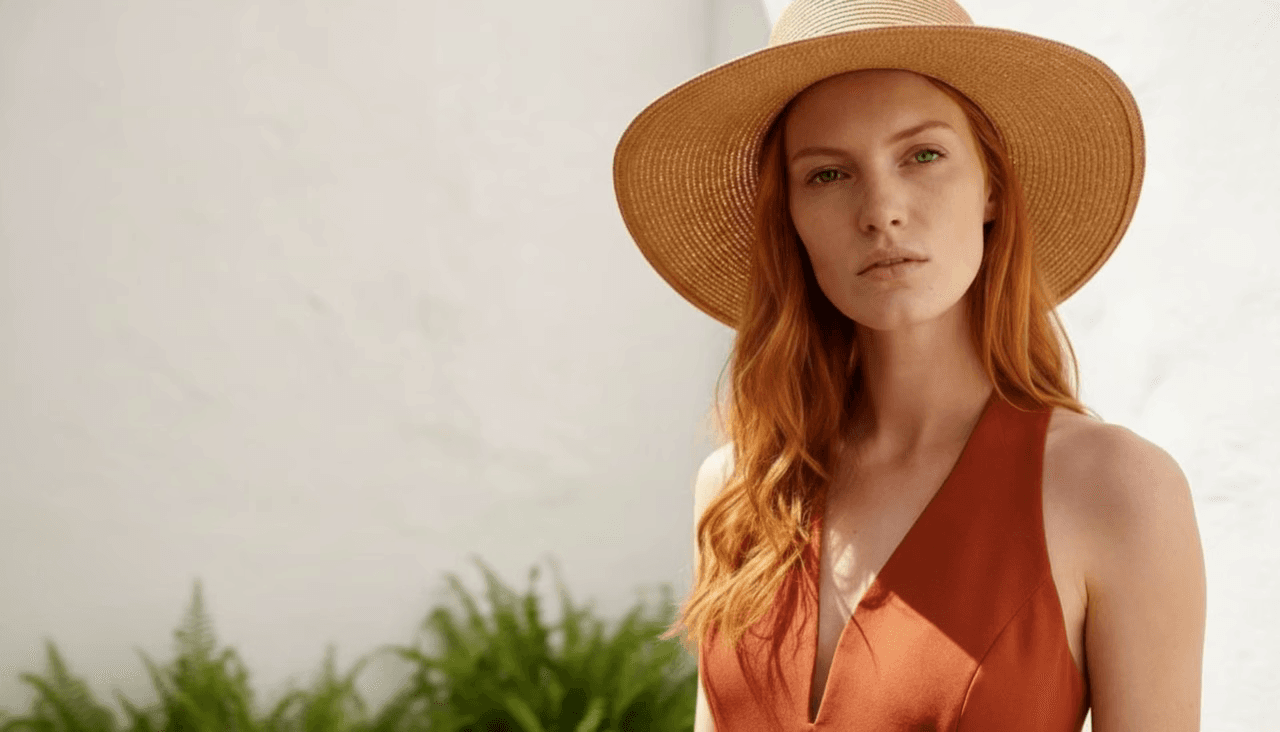
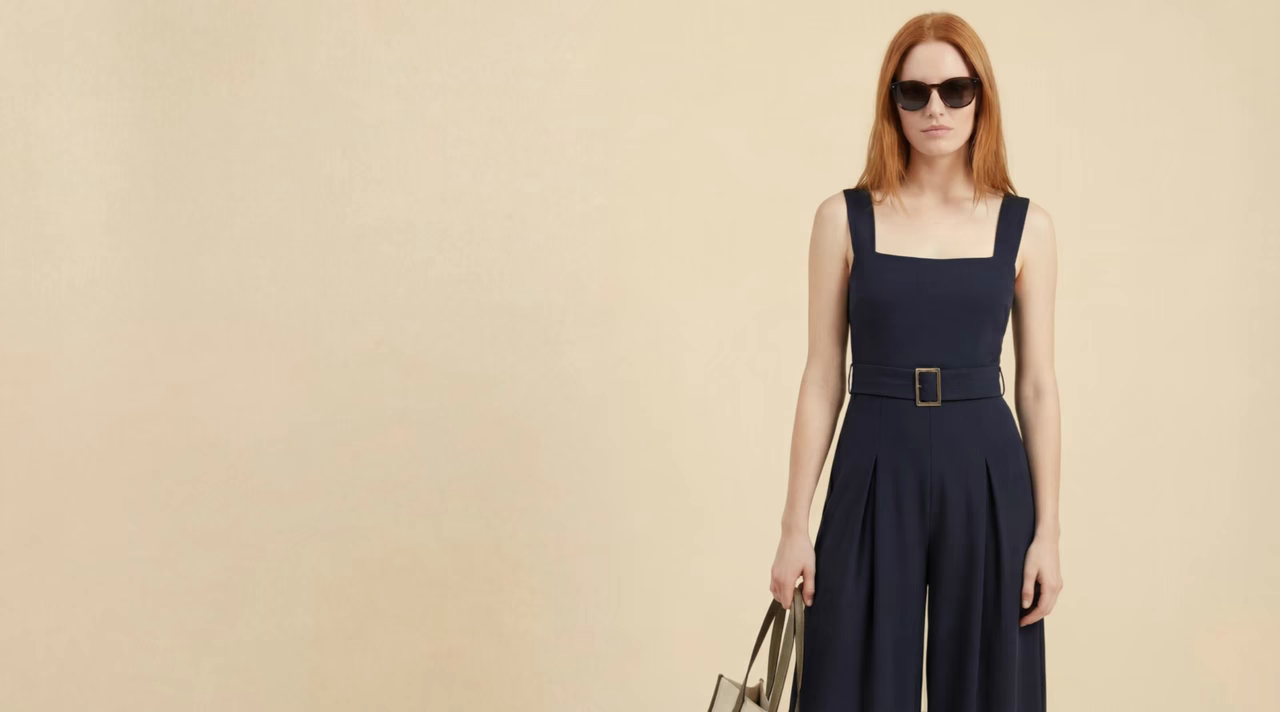
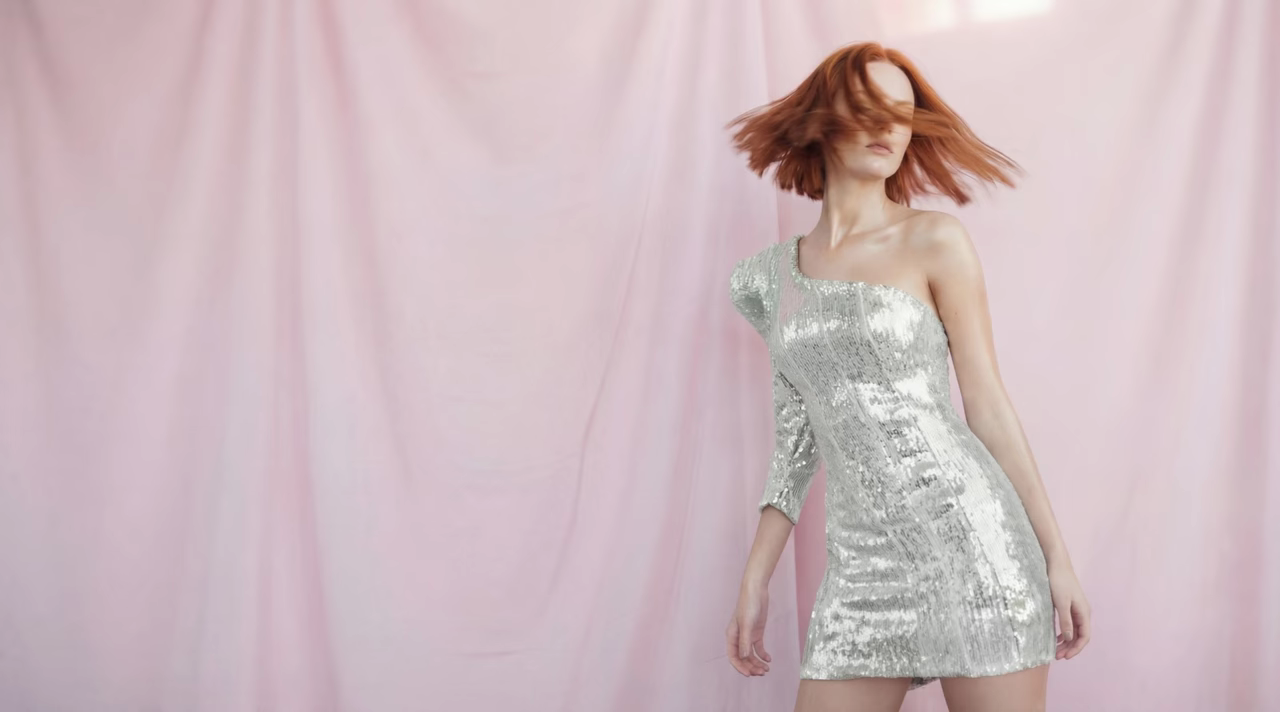
See how to turn a product image into an on-model fashion visual using myAIwear.
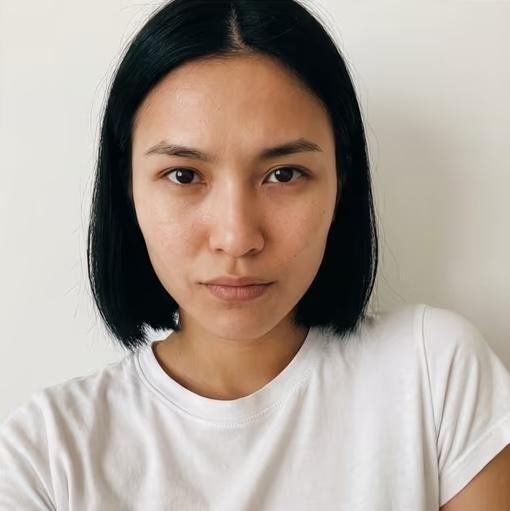
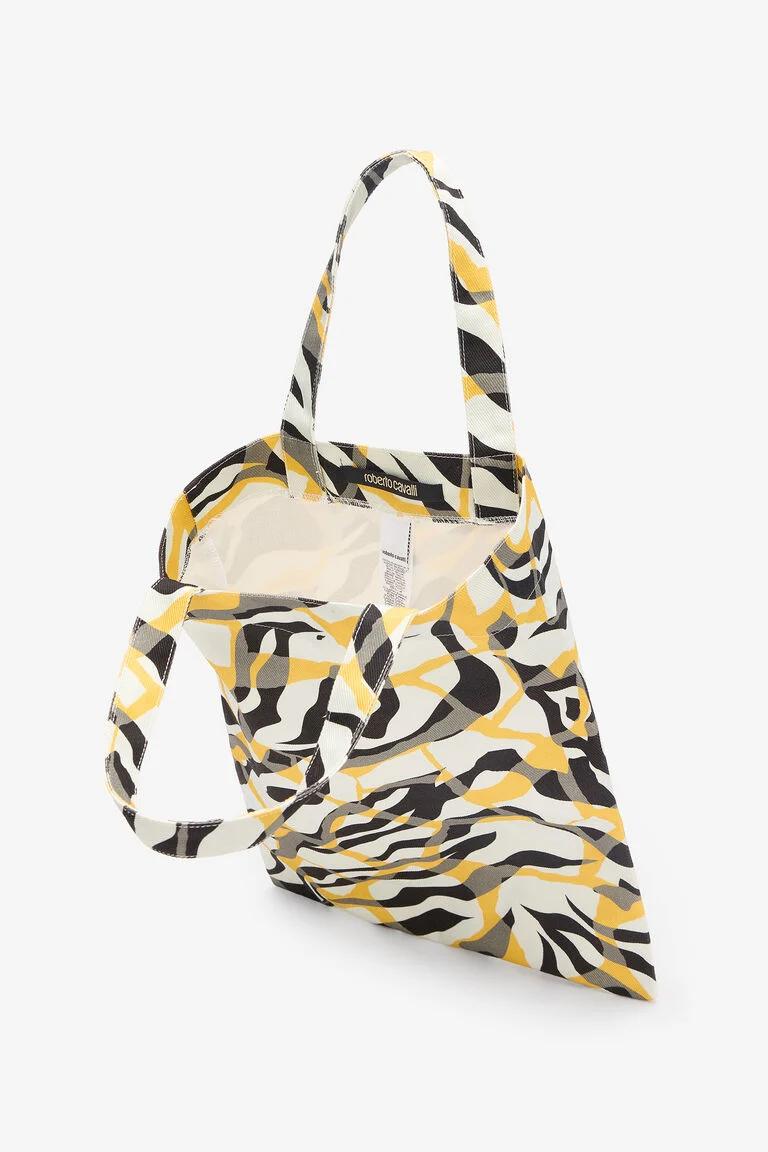
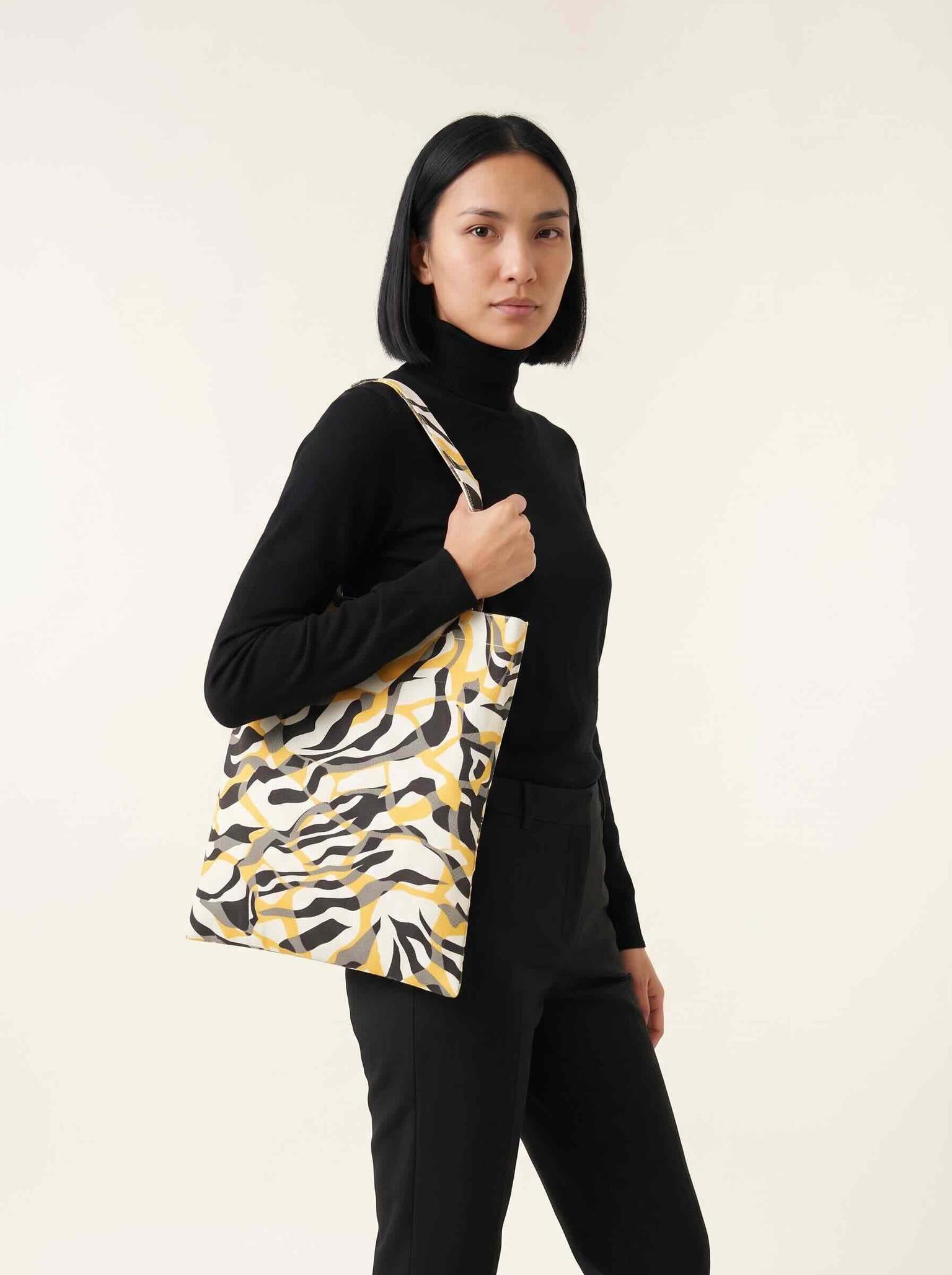
Proof in four steps
Turn one product image into model shots, campaign-ready assets, and motion in minutes.
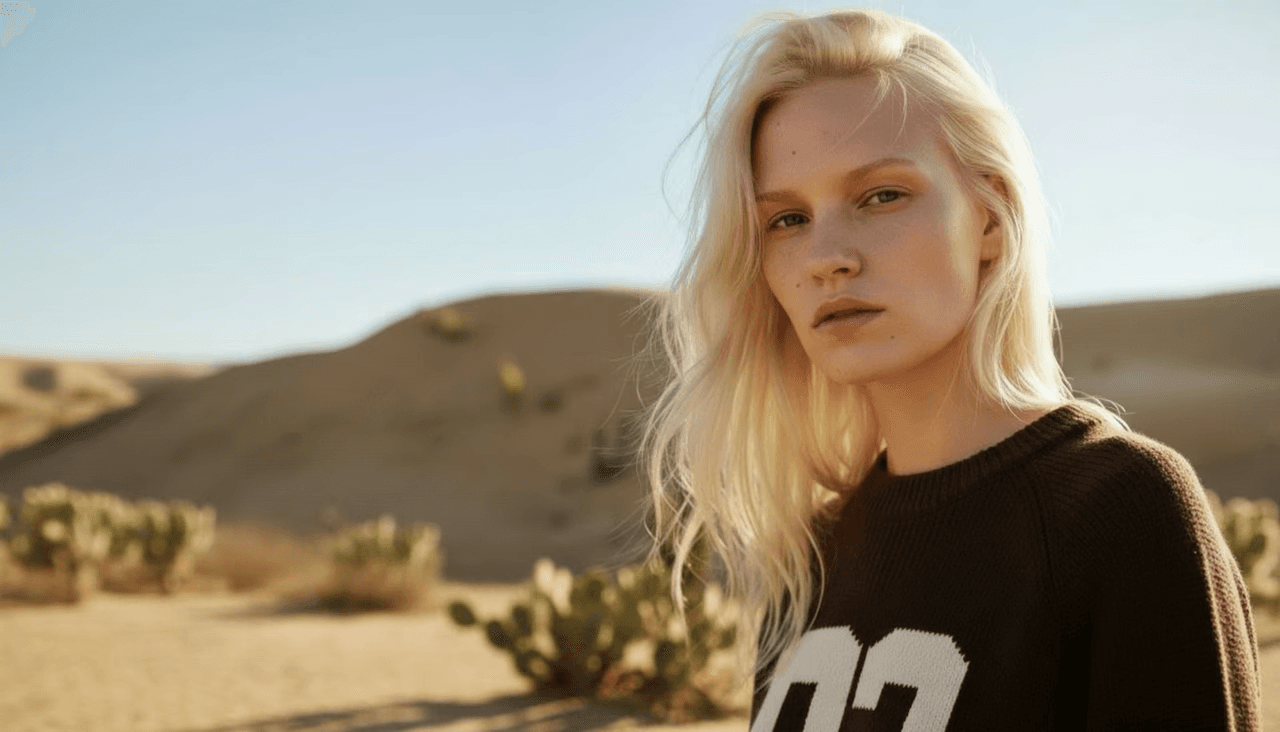
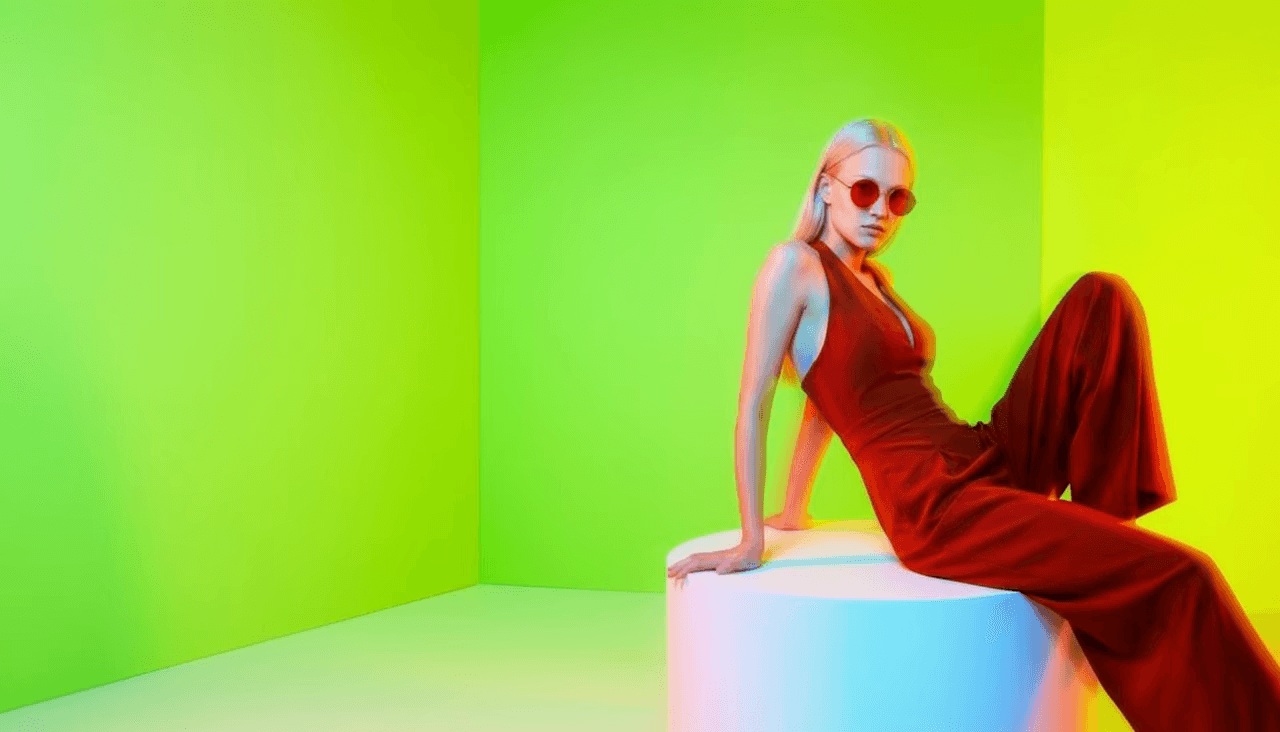
Studio-quality fashion photos. No photographer, no studio, no waiting.
See myAIwear in action
Follow real myAIwear workflows—from uploading a product image to creating campaign photos, reusable models, avatars, and short videos.
See how to turn a product image into an on-model fashion visual using myAIwear.
 1:14
1:14Beginner
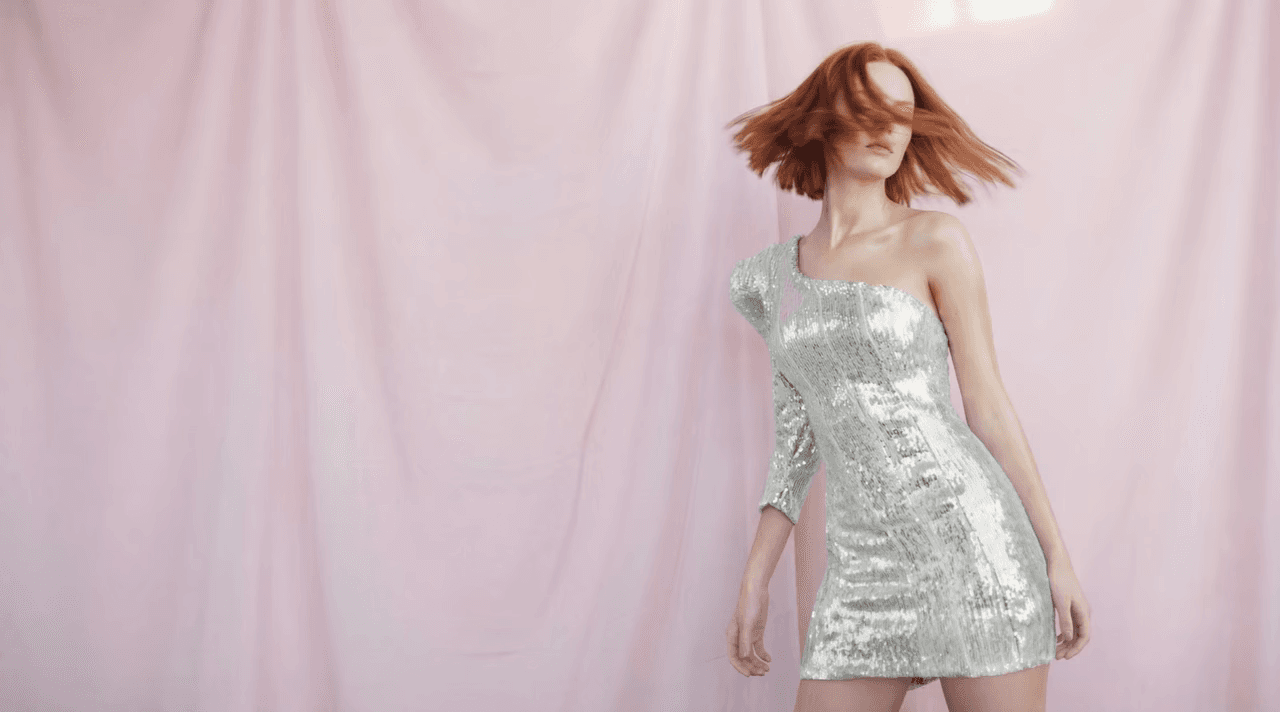
Add motion to a finished fashion image for ads, Reels, and lookbooks.
Watch tutorial 1:46
1:46Intermediate
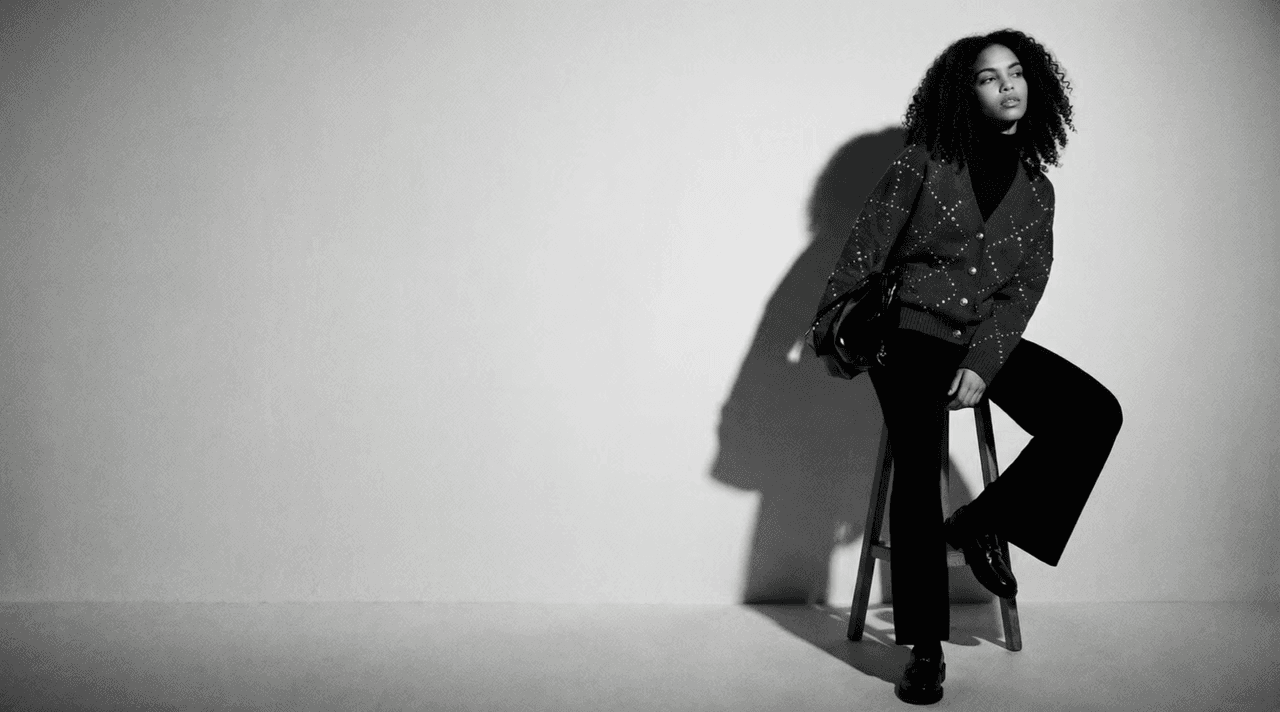
Build a consistent AI model and reuse it across future campaigns.
Watch tutorial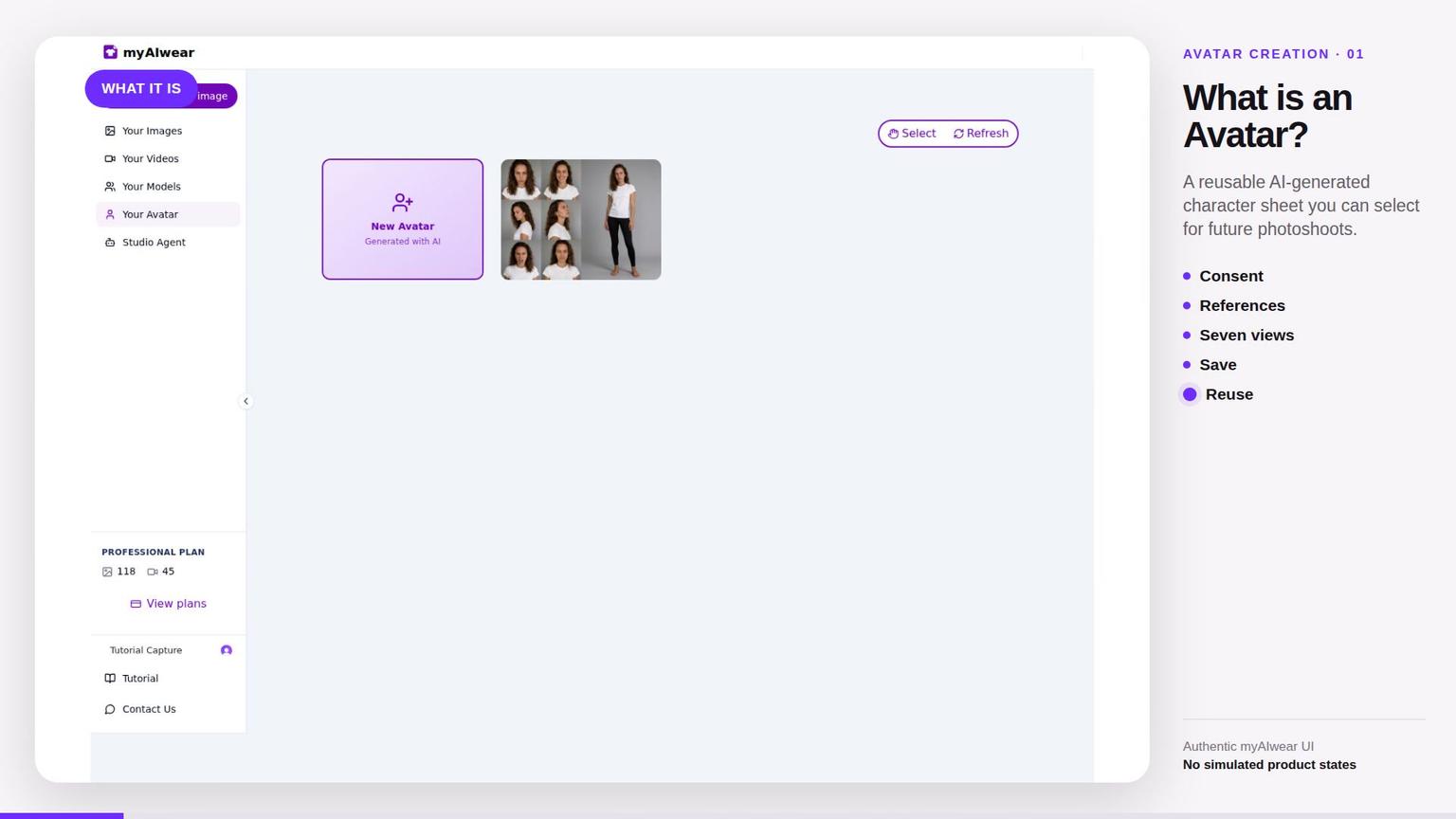 1:58
1:58Intermediate
Create a consented digital representation from reference images and use it in your product workflow.
Watch tutorialCancel anytime. No long-term contracts. A traditional shoot can cost hundreds or thousands; myAIwear helps you create recurring fashion visuals faster.
Move the sliders to find the right plan for your catalogue.
Create your way
Use an inspiration image, or answer a few guided prompts.
Features
Create, edit, upscale, and export campaign assets from the same workflow.
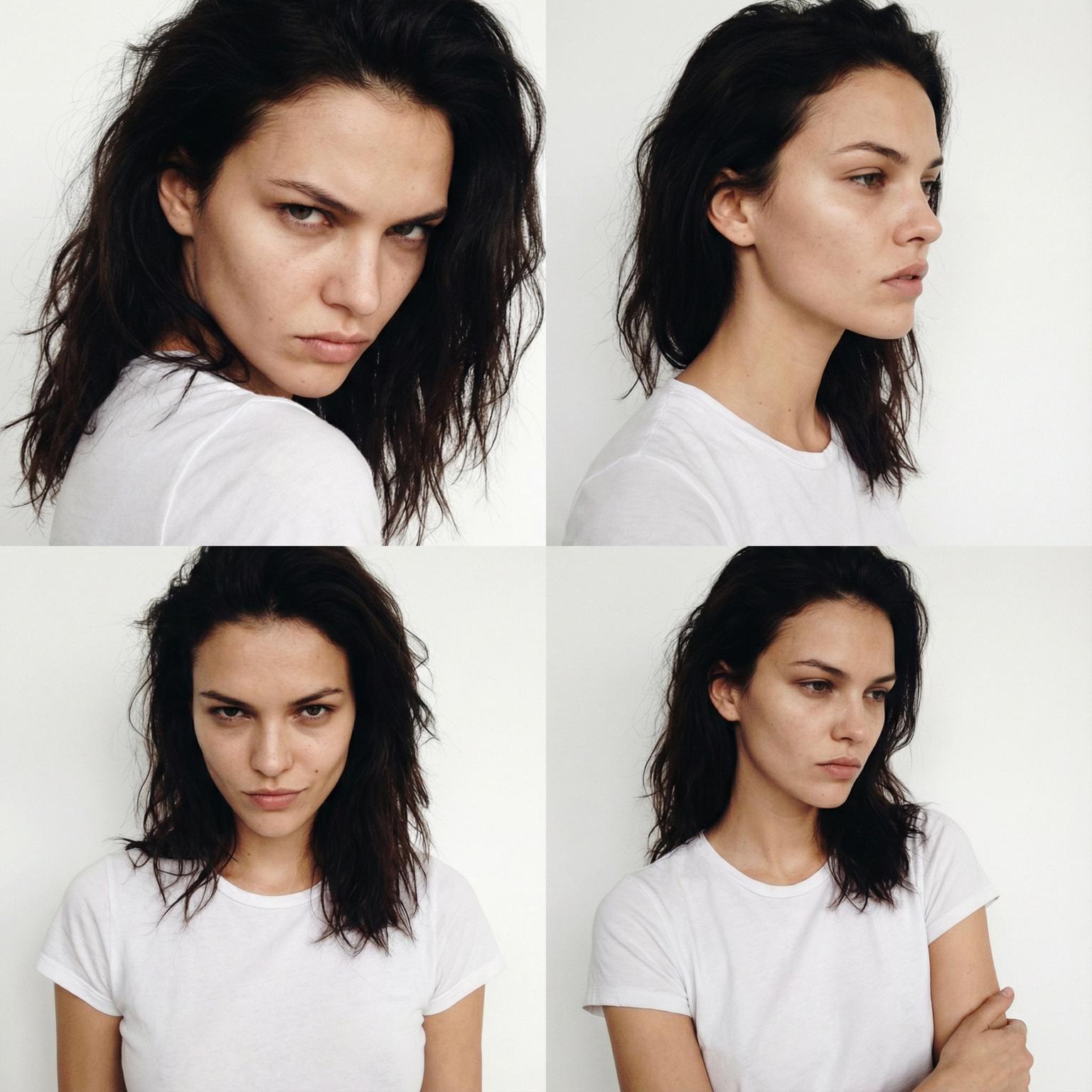
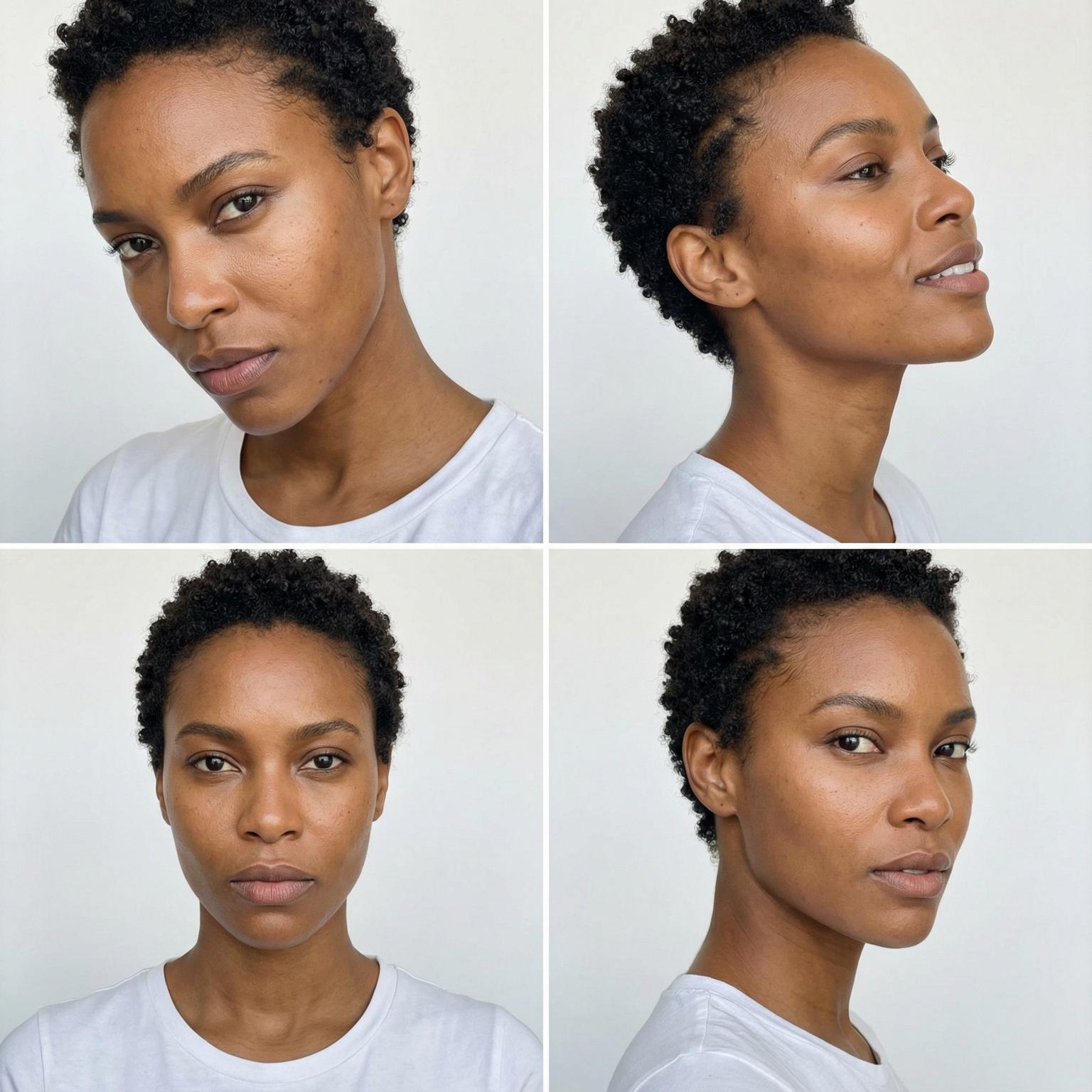
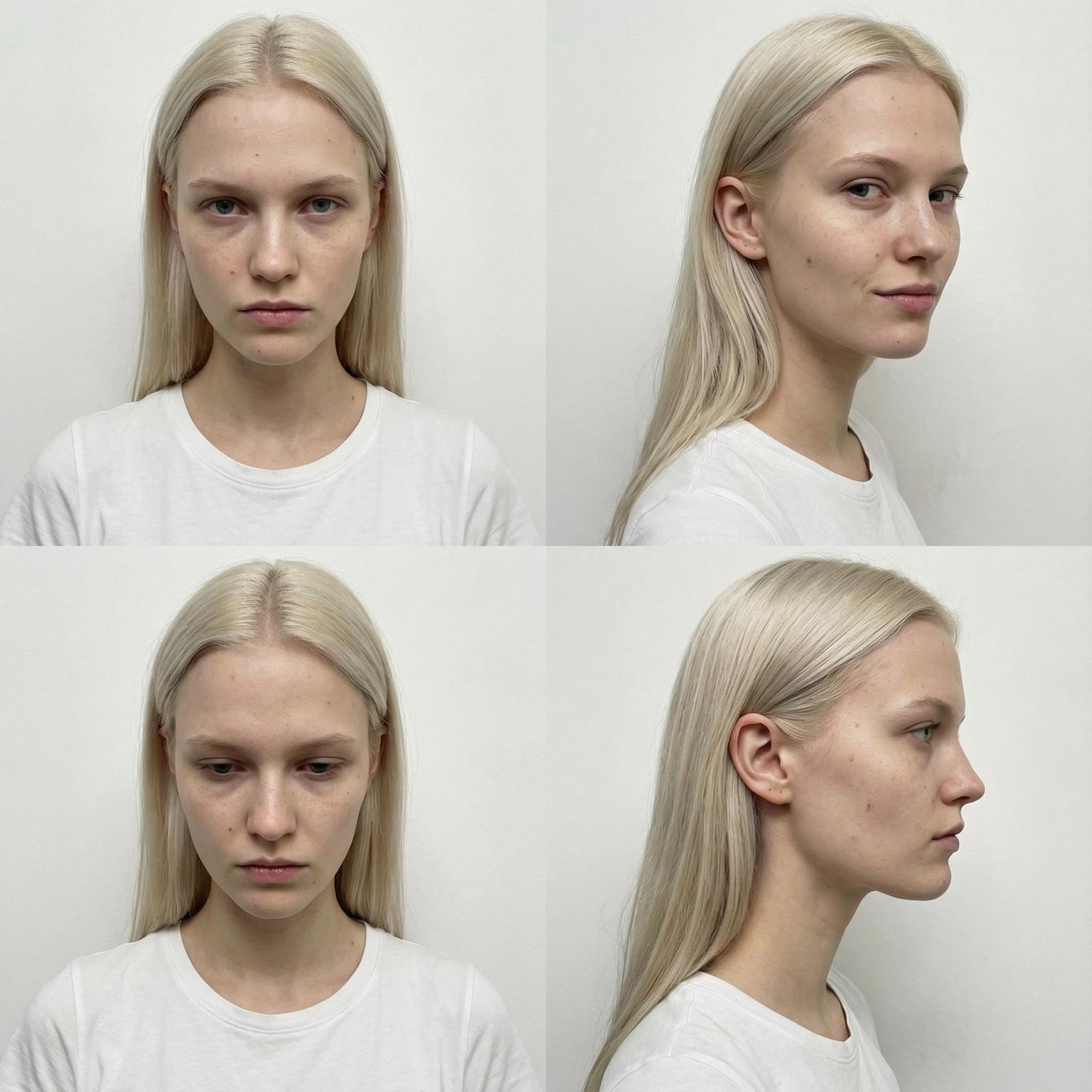
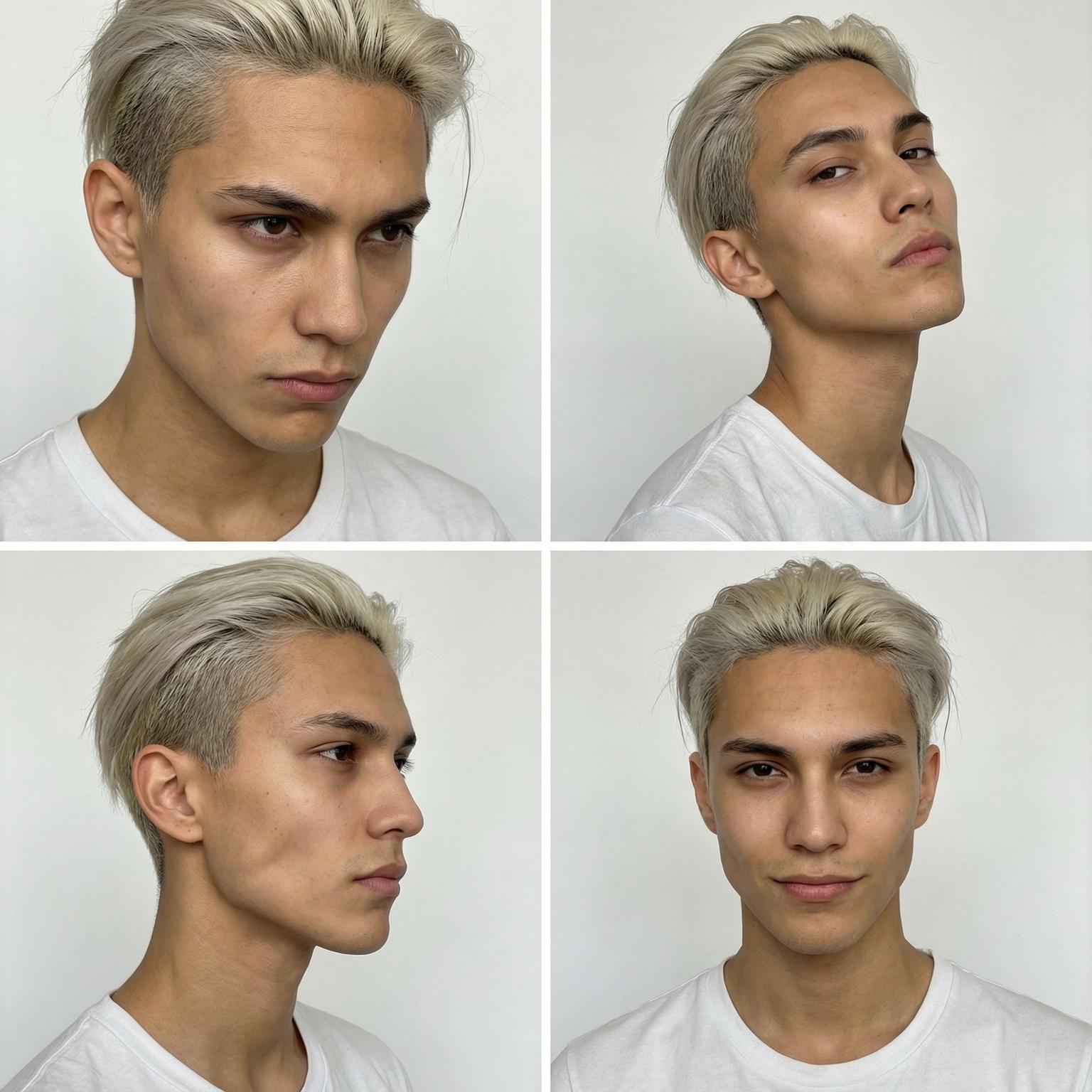
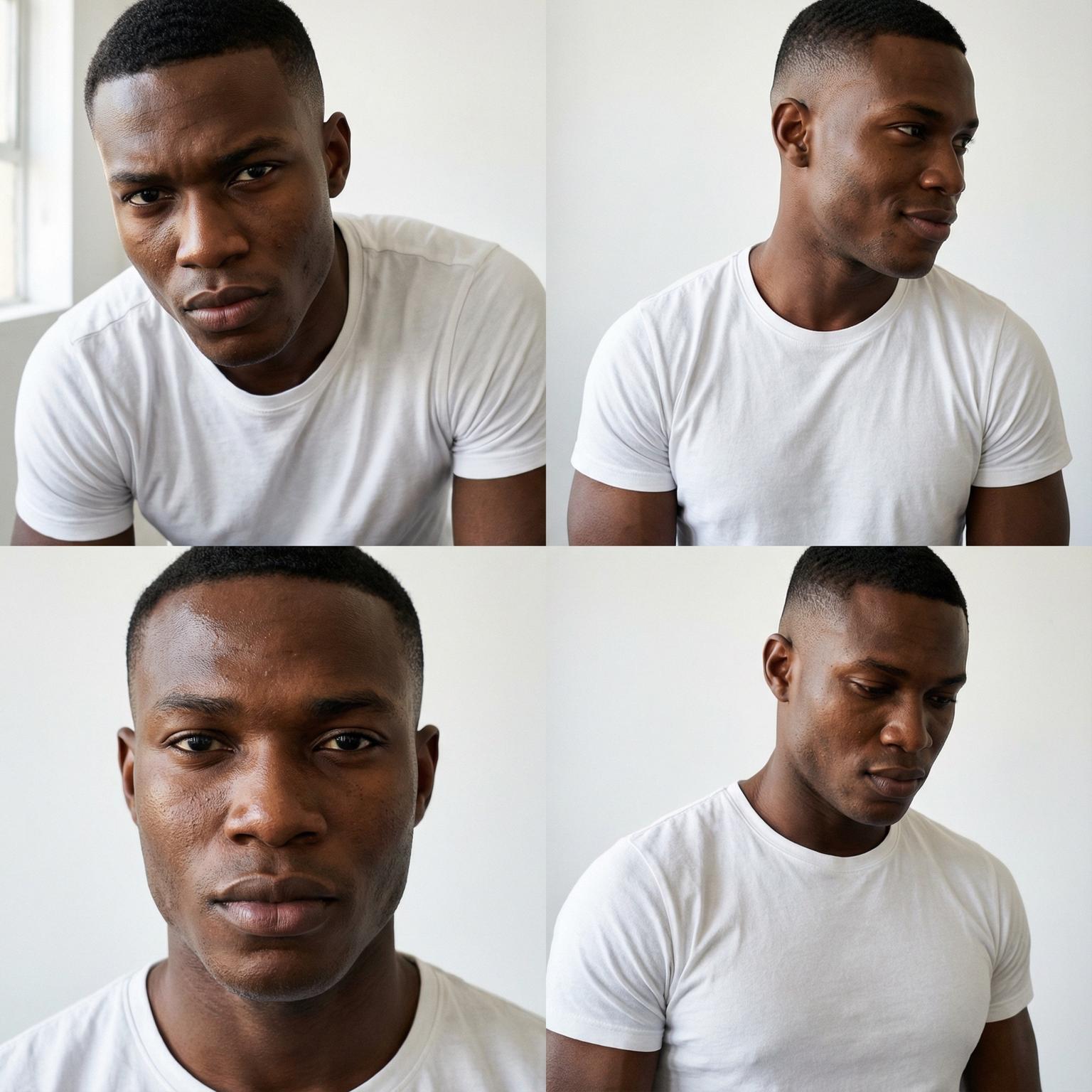
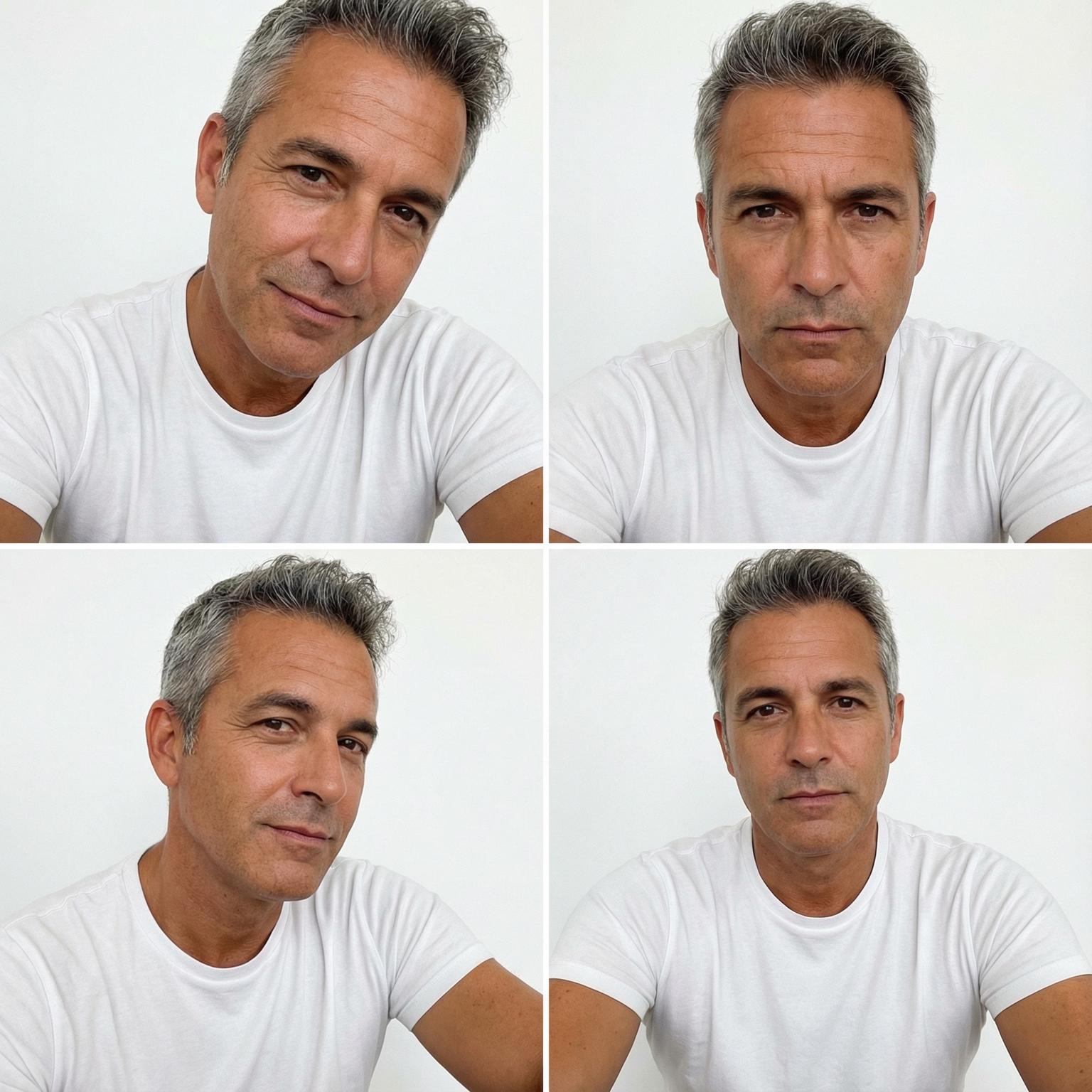
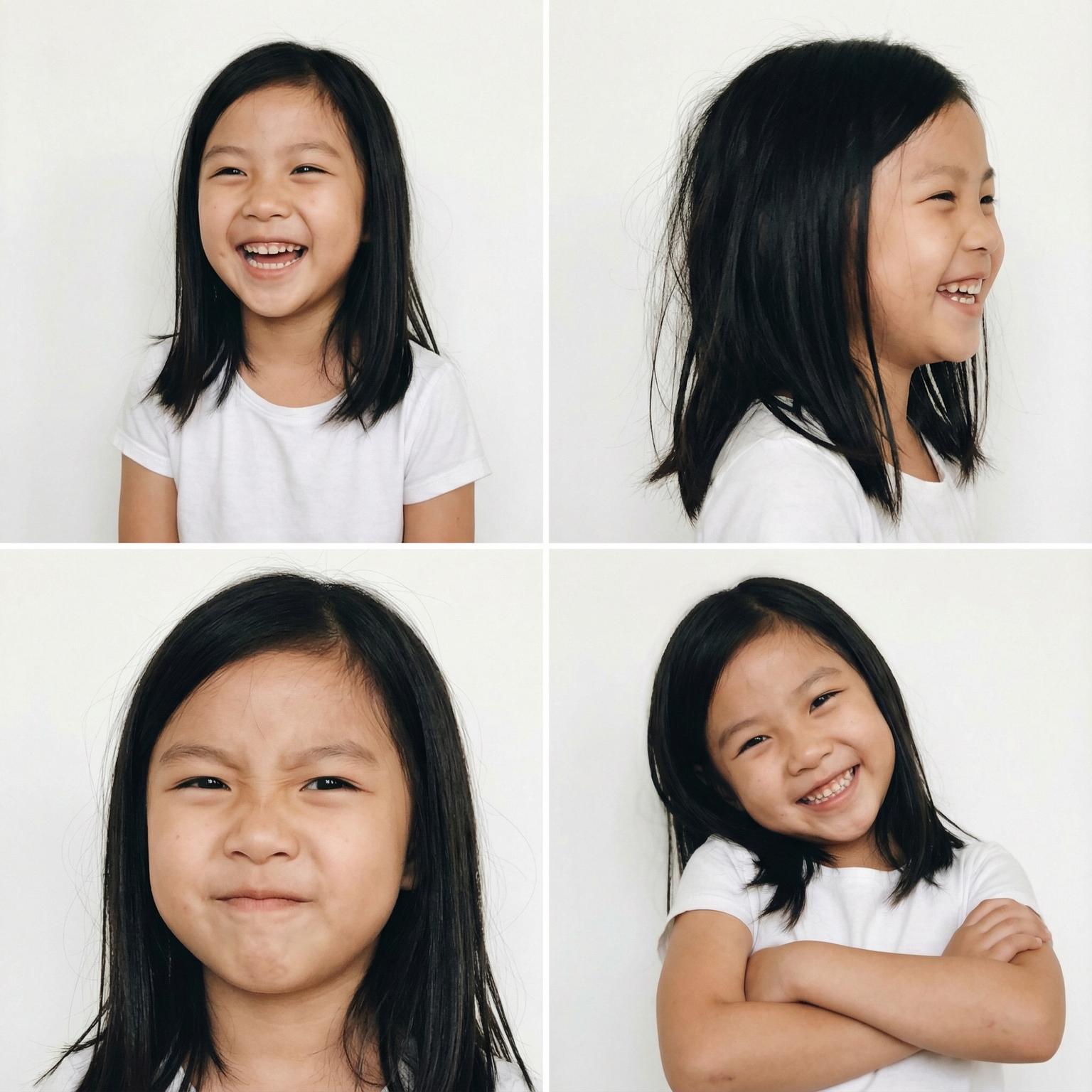
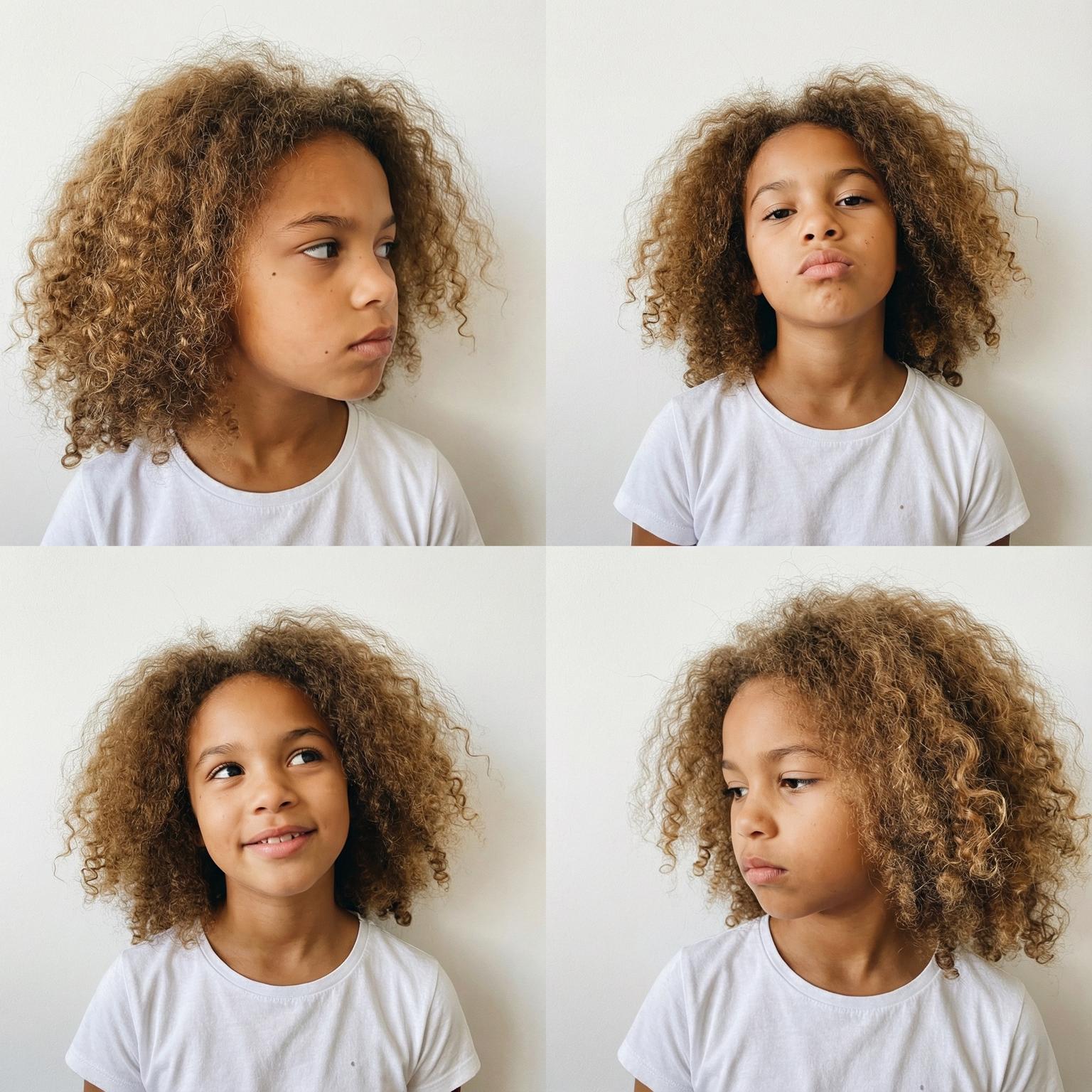
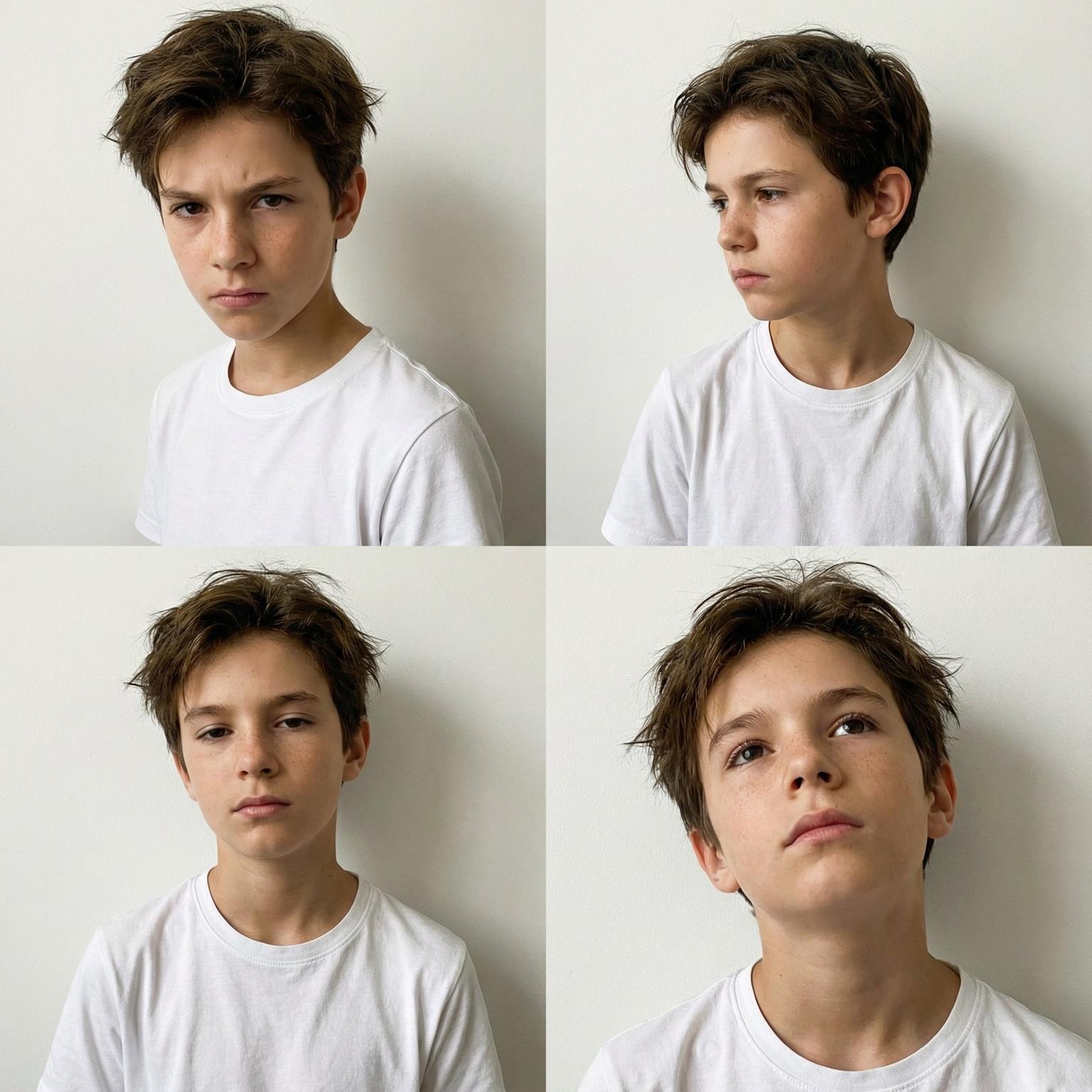
Create diverse, consistent models for your audience without booking talent.
Build a consistent custom model for repeat campaigns.
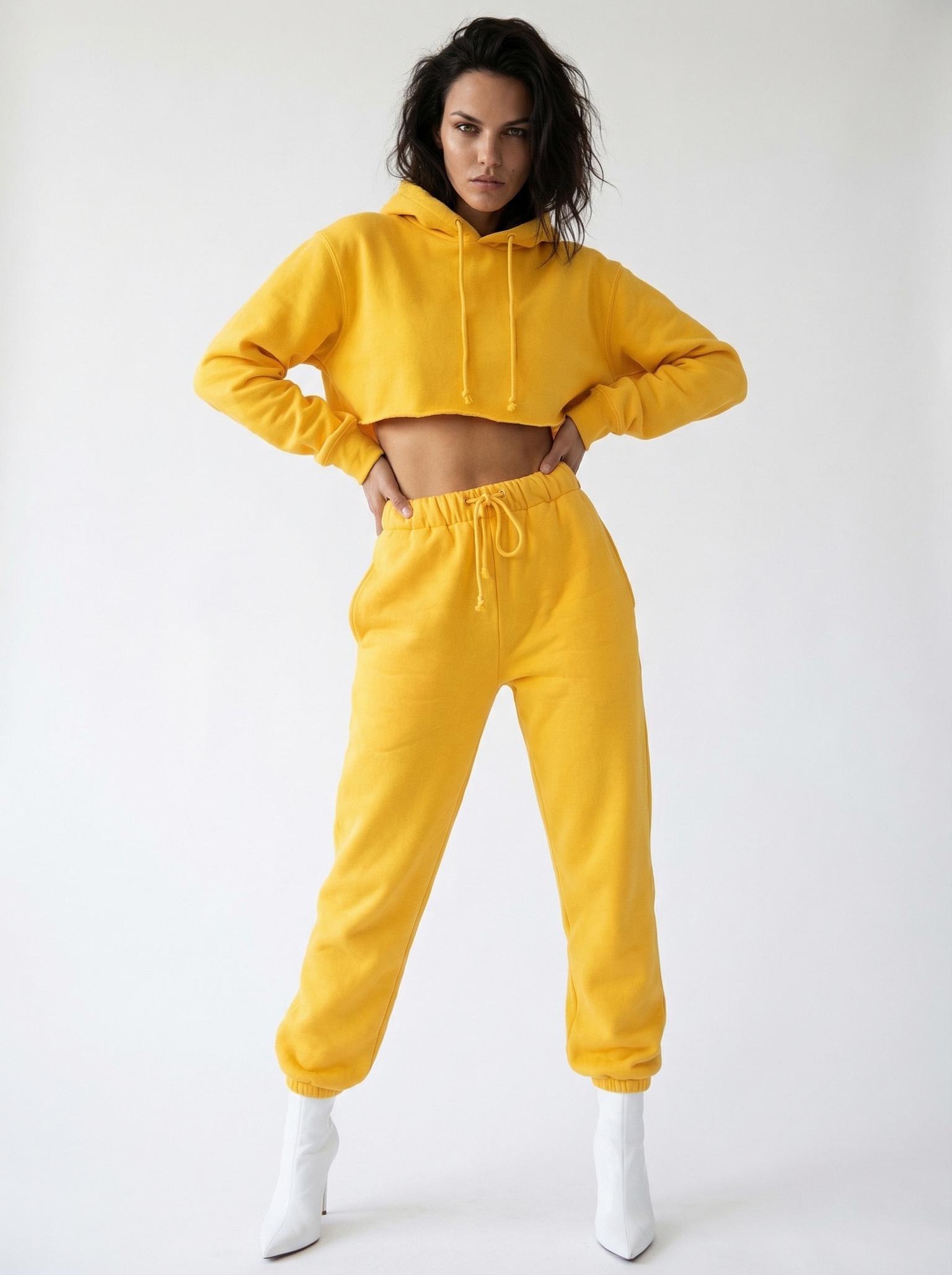
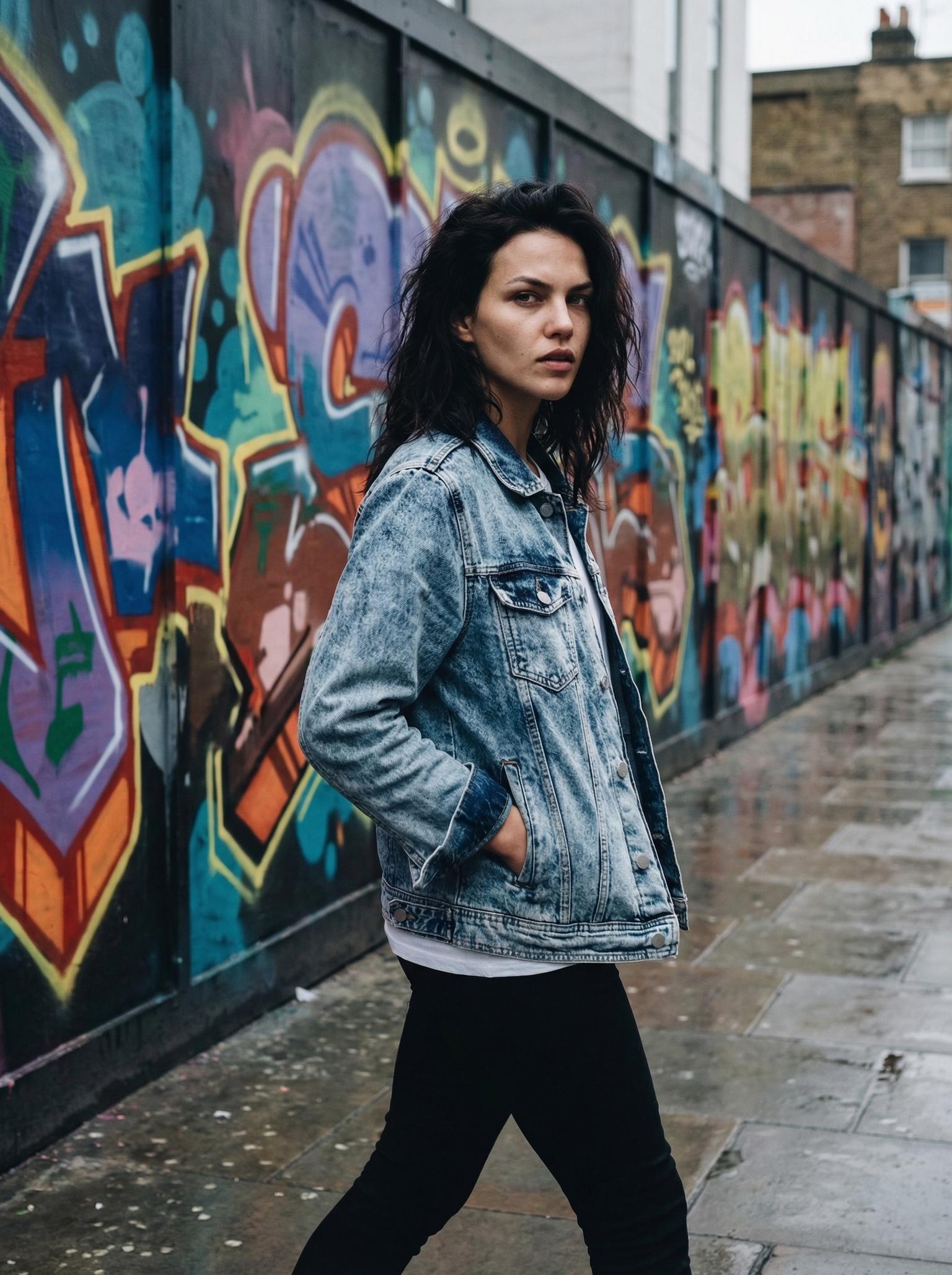
Pick the angle, distance, and framing you need.
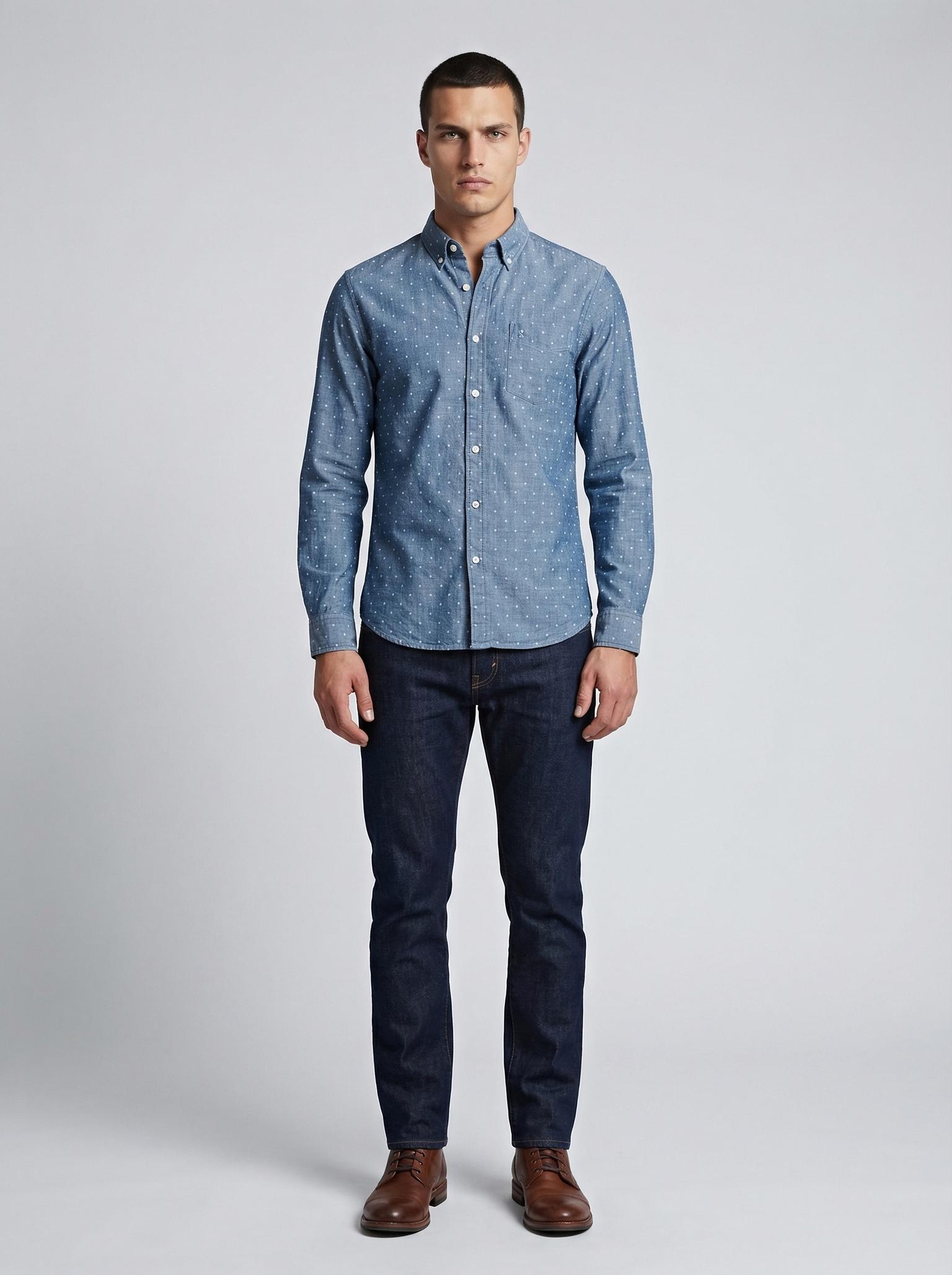
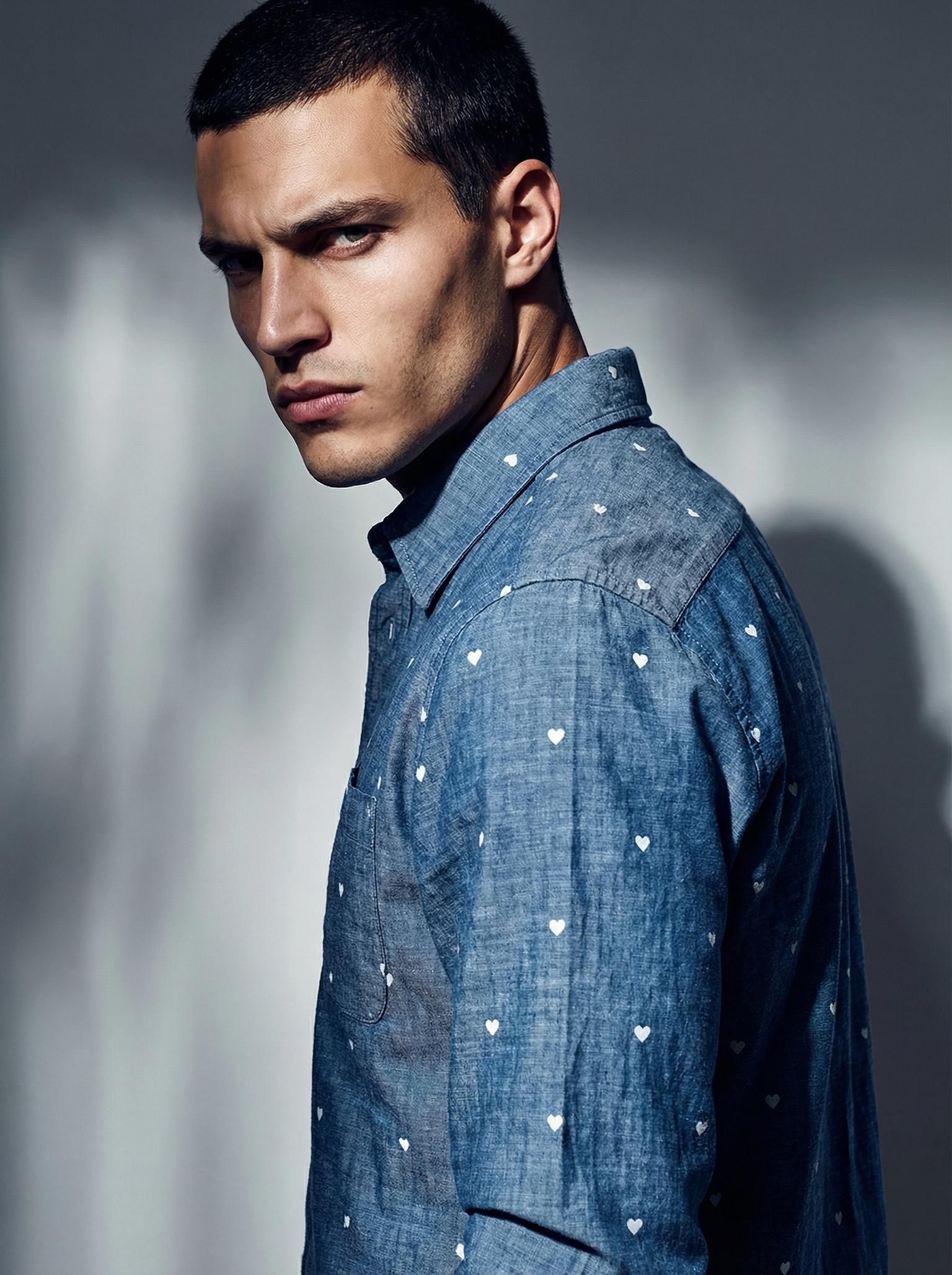
Test poses, lighting, backgrounds, and crops without another shoot.
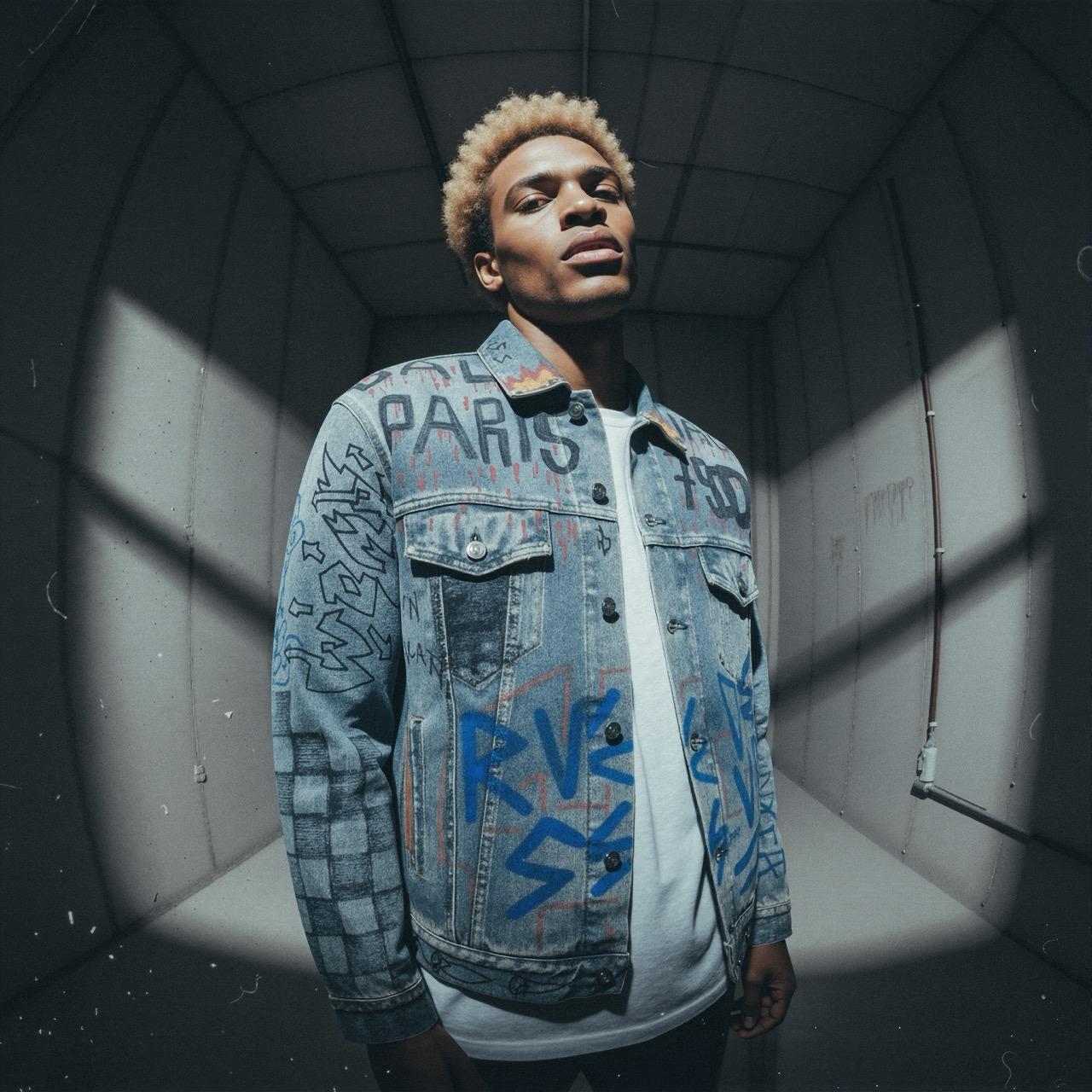
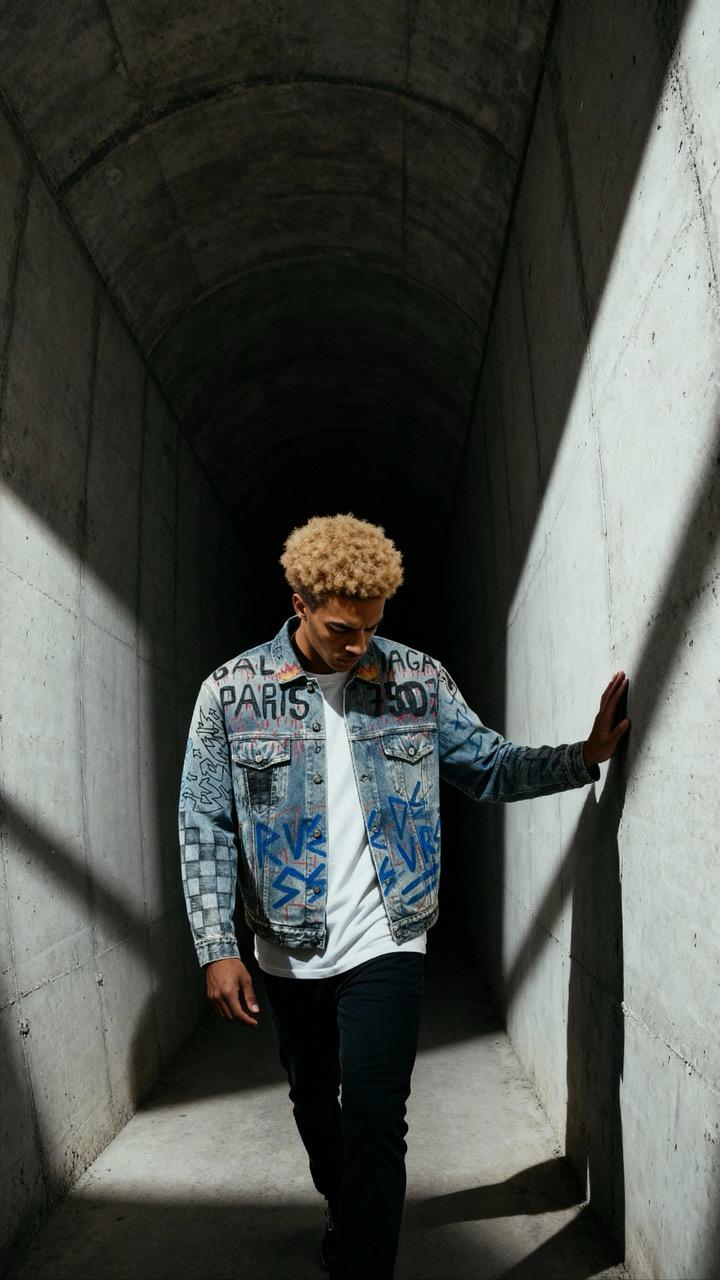
Change colours, backgrounds, poses, and small details without a reshoot.
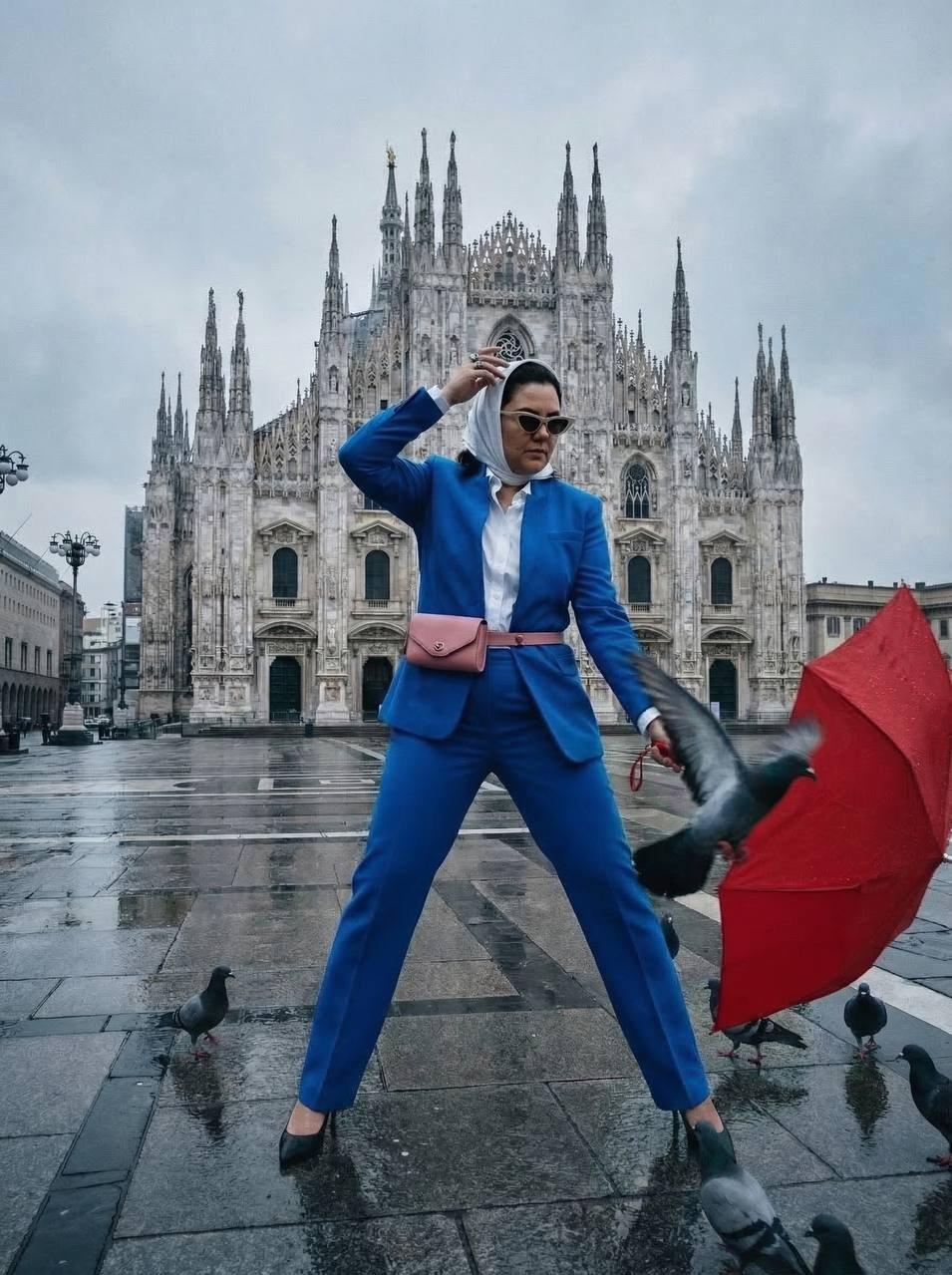
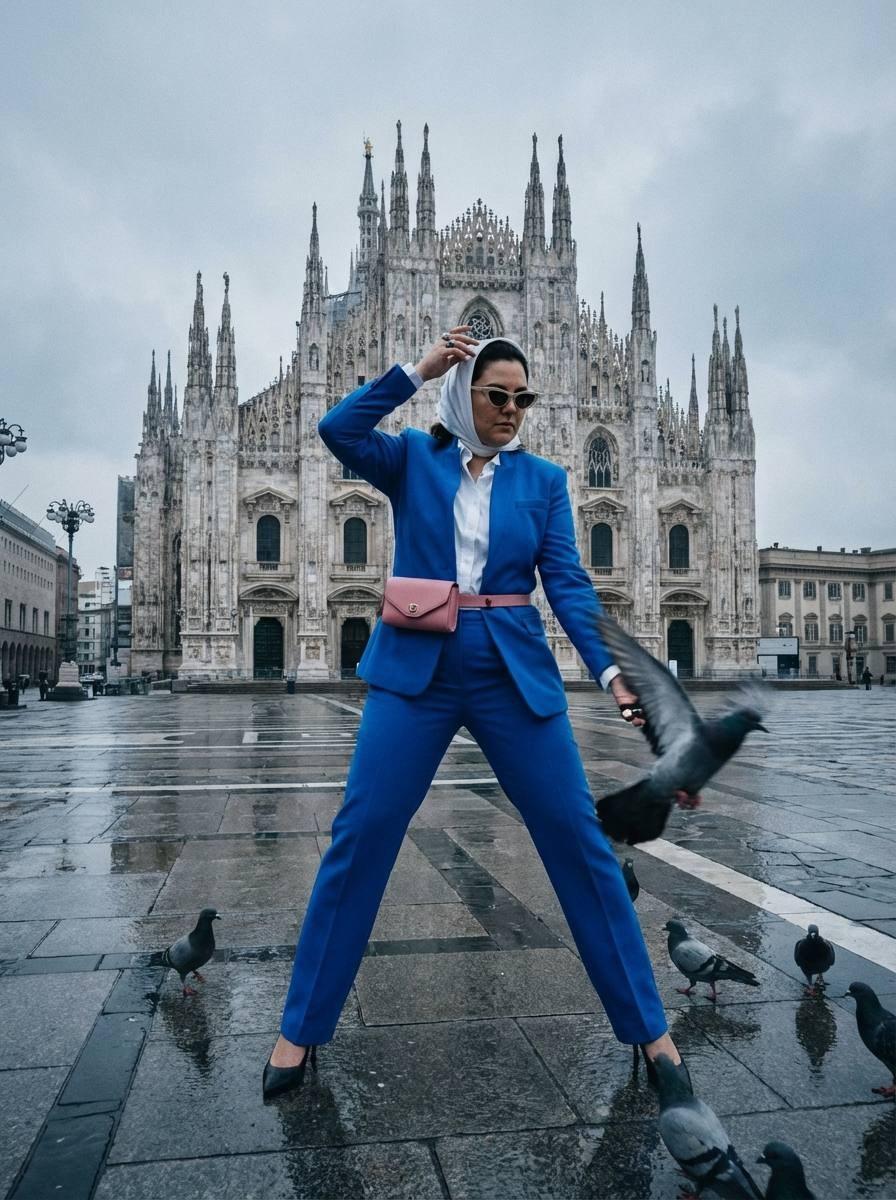
Create repeatable content with a real person or brand ambassador.
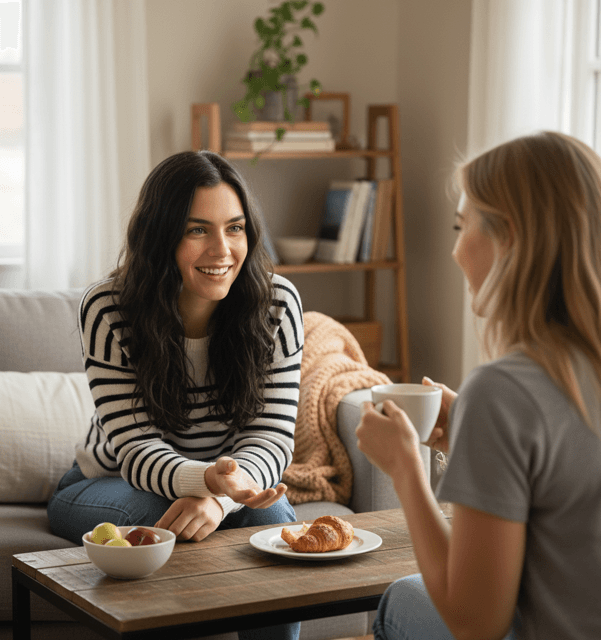
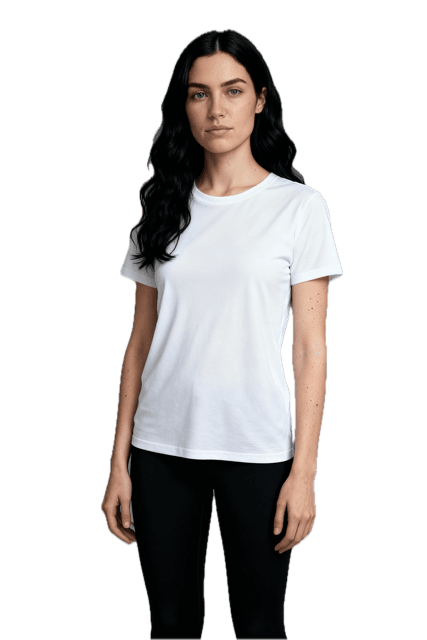
Export sharper images for product pages, print, and paid campaigns.
FAQ